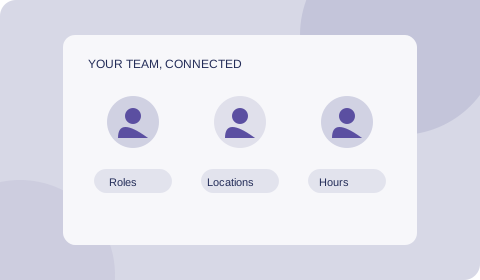
 01 — SET UP WITH JOSH
A personal start.
Book a call and Josh will create your venue. Add your team and roles, then set your regular staffing requirements so you have a starting point for each week.

 Open the app ↗
LESS SPREADSHEET ADMIN. MORE TIME BACK.
Stop rebuilding the week in a spreadsheet. Set up your team, repeat your staffing needs, generate a roster draft and email the schedule. Collect and approve timesheets in the same place.
No sign-up needed to explore. Demo data stays in your browser.
Example workspaceJDTHE WEEK AHEAD
Review the roster. Email your team.
FROM SPREADSHEETS TO A SHARED WORKSPACE.
Less copying last week’s cells.
Less chasing everyone’s hours.
More of the work in one place.
Set your custom roles, locations and required shifts, then let ShiftNote generate assignments around employee availability and preferences. Repeat your staffing pattern each week, automatically fill eligible shifts and review the draft before saving.
Try the planning workspace ↗A SIMPLER ROUTE FROM SETUP TO SEND
01 — SET UP WITH JOSHBook a call and Josh will create your venue. Add your team and roles, then set your regular staffing requirements so you have a starting point for each week.
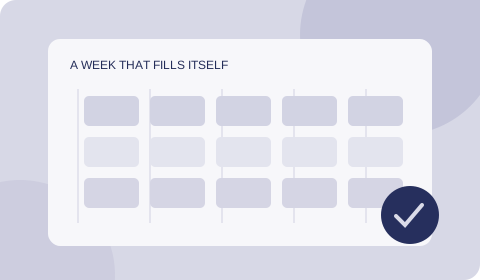 02 — AUTOMATE THE REPEAT WORK
Use repeating requirements and automatic staffing drafts to cut down manual planning. Review the proposed assignments and make changes before saving.
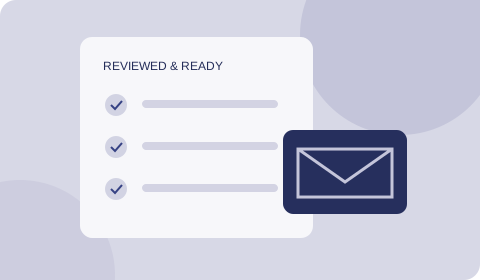 03 — SEND & REVIEW
Email the saved weekly schedule to your team. Staff submit their timesheets in the workspace, ready for you to review and approve.
GOOD TO KNOW
ShiftNote is built around shift-based work, helping small businesses streamline their rostering workflow. Plan shifts around your team, collect timesheets and keep the week moving in one shared workspace.
Yes. The workforce demo runs in your browser without signing in. Demo records are stored on that browser and device; they aren't shared with your team or copied into a live venue.
New venues are personally created by Josh. Book a call to discuss your venue and arrange setup. Once your venue is ready, open the app and sign in. If you're joining an existing team, use the email associated with your invitation.
Repeat staffing requirements and generate automatic roster drafts, then review and save your assignments. Send the weekly schedule by email when you are ready. Staff submit timesheets in the app for manager approval; schedule emails are triggered by you.
Start with a setup call. Josh creates your venue, then you add your team, roles and regular staffing needs. Setup time depends on your team and roster; repeating requirements give you a reusable starting point for future weeks.
LESS EXCEL STARTS WITH A CONVERSATION.
Hi, I'm Josh. I personally create each venue in ShiftNote.
Book a call to walk through your current roster and get started with repeating schedules, roster emails and timesheet approvals.
Choose a time on Google Calendar. Venue setup is arranged with Josh.